
Oria's New Features: Voice Control, Design References, Vector Icons, and Faster Slides
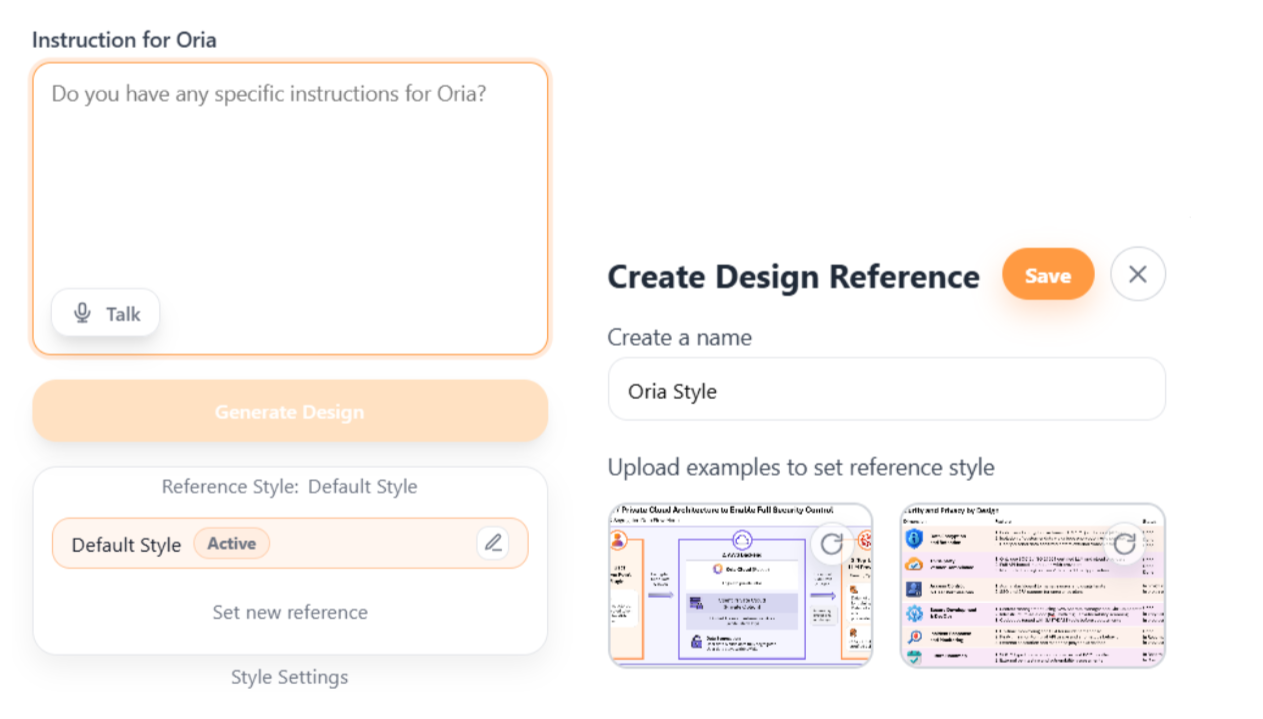
Oria is evolving every day, and we want to share a few features we added recently that map directly to everyday slide work. From faster generation to voice control, each update is designed to keep you in the flow and out of the weeds.
Faster Slide Generation
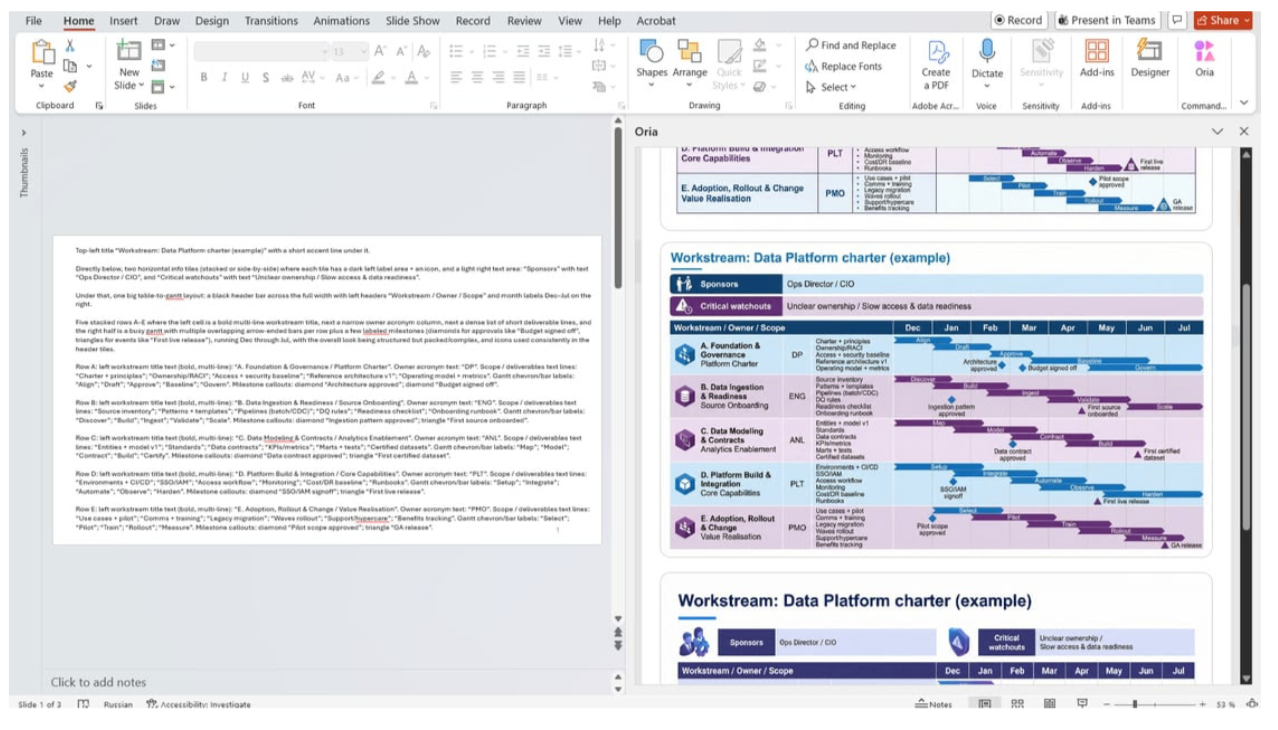
Faster slide insertion is the most immediately visible change. In practice, new page generation consistently lands around 30 to 70 seconds per slide, so you spend less time waiting and more time choosing the best layout and refining the message.
True Vector Icons You Can Actually Edit
Vector icons are another upgrade that affects almost every deck. Icons now insert as true vectors, which means they behave like native PowerPoint objects rather than images. You can recolor them, resize them without degradation, and if you want deeper control you can go to Graphics Format, convert to shape and edit element by element.

Independent Sessions and Smarter Shape Detection
Oria now runs independently across presentations, so options no longer carry over between decks or duplicate. Shape and line detection has better coverage for common slide geometry, including rectangles, chevrons, arrows and trapezoids, and it now supports angled lines more reliably. Connector handling is improved as well, including snapping lines to the nearest shape for clean joins, which reduces the time spent fixing diagrams that are almost aligned but not quite.
Voice Control for Slide Changes
Another feature we added recently is voice control for slide changes. You can press a voice interaction button and dictate what you want to adjust on the slide, in any language, without rewriting a prompt from scratch. It is a small interaction change that becomes surprisingly useful when you are iterating quickly and want to stay in the flow.
A Clearer UI That Nudges Better Results
We also made the UI clearer to reduce friction at the start of a session. The instruction panel is more prominent, so it is easier to see where to describe what you want, and it nudges the workflow toward the input that produces the best results. Oria will do well without detailed instructions, but when you add a specific prompt, the output tends to match your intent more precisely.
More on the Way
And there is more coming, focused on the same practical outcomes. We cannot wait to share our next updates with you, so please follow our LinkedIn page for more news about Oria.